
固定背景bg1を左から右へ動かしたり、じんわり拡大するcssはカスタムに入っている。片方は効かなくしている。
新・固定表示の開閉タブ
下記cssとJS【新・固定表示開閉タブOP/CL タブ遅延仕様 / 表示が崩れない対策】でうごく。
/* ===========================
NEW 固定表示開閉タブ
完全作り直し版
動き:
・文章の幅は最初から完成幅
・外側だけ0幅にして隠す
・中身は左からスライド
・高さ計算JSなし
============================= */

無料のHPフィッティング(デモサイト作成)
❖ 画像や文章は、事業内容に合わせて変更可能
❖ 他のデザインも見たい方はこちら
固定背景を非表示にするには、stock-blockをクラス名にいれる。それとbg5 or bg6のクラス名を変更する → bg6stockとか。
スライド、アンカー確認!
【スライドや固定背景の増減についての基本設定・要点】
【基本型4枚 2枚まで増加可能】
通常:
b1 → b2 → b3 → b6 → b7
bg1 → bg2 → bg3 → bg4
1枚追加:
b1 → b2 → b3 → b4 → b6 → b7
bg1 → bg2 → bg3 → bg5 → bg4
2枚追加:
b1 → b2 → b3 → b4 → b5 → b6 → b7 b7は最後のCONTACT用。b6の直後に置く。最後位置の計算に使う。
bg1 → bg2 → bg3 → bg5 → bg6 → bg4 いずれもbg4をラストにする。
b4 / b5:追加用の普通スライド。b3 と b6 の間に入れる。b2・b6と同じ固定幅タイプ。
固定背景を非表示にするには、stock-blockをクラス名にいれる。それとbg5 or bg6のクラス名を変更する → bg6stockとか。
スライド、アンカー確認!
スマホのb1上での配置などを調整する場合
スマホのときのb1上の文字の配置はYOKOHPのcss上で決めている。
/* ======================================
スマホ:b1を透明 + 文字を画面中央表示
+ 位置微調整できる版
====================================== */
body:not(.wp-admin):not(.block-editor-iframe__body){
--b1-text-x: 0px; /* b1全体の文字:左右位置 */
--b1-text-y: -150px; /* b1全体の文字:上下位置 */ ←タイトルのこと
--b1-swipe-x: 0px; /* b1内のsp-only:左右位置 */ ←swipのやつのこと
--b1-swipe-y: 300px; /* b1内のsp-only:上下位置 */
単にグラデを用いない透明からレイヤーor画像へのアニメーション
/* 画像+色レイヤーをまとめて透明から表示 */
selector .wp-block-cover__image-background,
selector .wp-block-cover__background{
animation: coverLayerFadeIn 5.0s ease-out 2.0s both;
animation-play-state: paused;
}
/* このカバー自身がアクティブになったら開始 */
selector.b-anim-active .wp-block-cover__image-background,
selector.b-anim-active .wp-block-cover__background{
animation-play-state: running;
}
/* 編集画面では普通に表示 */
.editor-styles-wrapper selector .wp-block-cover__image-background,
.editor-styles-wrapper selector .wp-block-cover__background{
animation: none !important;
}
/* 透明 → それぞれ元の透明度へ戻る */
@keyframes coverLayerFadeIn{
from{
opacity: 0;
}
}
光差し込み+透明からレイヤーor画像へのアニメーション
selector{
position: relative !important;
overflow: hidden !important;
isolation: isolate !important;
}
/* 画像+色レイヤーをまとめて透明から表示 */
selector .wp-block-cover__image-background,
selector .wp-block-cover__background{
animation: coverLayerFadeIn 5.0s ease-out 2.0s both;
animation-play-state: paused;
}
/* このカバー自身がアクティブになったら開始 */
selector.b-anim-active .wp-block-cover__image-background,
selector.b-anim-active .wp-block-cover__background{
animation-play-state: running;
}
/* 光:最初は透明からじんわり表示 */
selector::before{
content: "" !important;
position: absolute !important;
inset: -45% -35% !important;
z-index: 2 !important;
pointer-events: none !important;
background:
linear-gradient(116deg,
transparent 0%,
transparent 16%,
rgba(255,255,255,0.06) 20%,
rgba(255,255,255,0.34) 25%,
rgba(255,255,255,0.12) 31%,
transparent 39%
),
linear-gradient(113deg,
transparent 0%,
transparent 41%,
rgba(255,255,255,0.05) 44%,
rgba(255,255,255,0.24) 45.5%,
rgba(255,255,255,0.05) 47%,
transparent 52%
),
linear-gradient(119deg,
transparent 0%,
transparent 59%,
rgba(255,255,255,0.04) 63%,
rgba(255,255,255,0.26) 68%,
rgba(255,255,255,0.07) 73%,
transparent 81%
),
linear-gradient(111deg,
transparent 0%,
transparent 74%,
rgba(255,255,255,0.04) 75%,
rgba(255,255,255,0.18) 76%,
rgba(255,255,255,0.04) 77%,
transparent 81%
) !important;
filter: blur(10px) !important;
mix-blend-mode: screen !important;
animation: lightMainFadeIn 5.0s ease-out 2.2s both !important;
animation-play-state: paused !important;
}
/* 補助光 */
selector::after{
content: "" !important;
position: absolute !important;
inset: -50% -30% !important;
z-index: 2 !important;
pointer-events: none !important;
background:
linear-gradient(117deg,
transparent 0%,
transparent 32%,
rgba(255,255,255,0.04) 35%,
rgba(255,255,255,0.15) 36.5%,
rgba(255,255,255,0.04) 38%,
transparent 44%
),
linear-gradient(108deg,
transparent 0%,
transparent 52%,
rgba(255,255,255,0.035) 57%,
rgba(255,255,255,0.17) 64%,
rgba(255,255,255,0.05) 70%,
transparent 79%
) !important;
filter: blur(18px) !important;
mix-blend-mode: screen !important;
animation: lightSubFadeIn 5.0s ease-out 2.4s both !important;
animation-play-state: paused !important;
}
/* このカバー自身がアクティブになったら光も開始 */
selector.b-anim-active::before,
selector.b-anim-active::after{
animation-play-state: running !important;
}
/* 文字は一番上 */
selector .wp-block-cover__inner-container{
position: relative !important;
z-index: 3 !important;
}
/* 編集画面では普通に表示 */
.editor-styles-wrapper selector .wp-block-cover__image-background,
.editor-styles-wrapper selector .wp-block-cover__background{
animation: none !important;
}
.editor-styles-wrapper selector::before,
.editor-styles-wrapper selector::after{
animation: none !important;
opacity: 1 !important;
}
/* 透明 → それぞれ元の透明度へ戻る */
@keyframes coverLayerFadeIn{
from{
opacity: 0;
}
}
/* 主光:透明 → 表示 */
@keyframes lightMainFadeIn{
from{
opacity: 0;
}
to{
opacity: 1;
}
}
/* 補助光:透明 → 表示 */
@keyframes lightSubFadeIn{
from{
opacity: 0;
}
to{
opacity: 0.9;
}
}
グラデ+透明からレイヤーor画像へのアニメーション
selector{
/* ここだけ変更 */
--grad-left: #ffffff00; /* 左の色 */
--grad-right: #e9a02a; /* 右の色 */
--grad-opacity: 0.55; /* グラデの濃さ */
position: relative !important;
overflow: hidden !important;
}
/* カバー色レイヤーをグラデーションにする */
selector .wp-block-cover__background{
background: linear-gradient(
90deg,
var(--grad-left) 0%,
var(--grad-right) 100%
) !important;
opacity: var(--grad-opacity);
}
/* 画像+グラデーションをまとめて透明から表示 */
selector .wp-block-cover__image-background,
selector .wp-block-cover__background{
animation: coverLayerFadeIn 5.0s ease-out 2.0s both;
animation-play-state: paused;
}
/* このカバー自身がアクティブになったら開始 */
selector.b-anim-active .wp-block-cover__image-background,
selector.b-anim-active .wp-block-cover__background{
animation-play-state: running;
}
/* 編集画面では普通に表示 */
.editor-styles-wrapper selector .wp-block-cover__image-background,
.editor-styles-wrapper selector .wp-block-cover__background{
animation: none !important;
}
/* 文字は一番上 */
selector .wp-block-cover__inner-container{
position: relative !important;
z-index: 3 !important;
}
/* 透明 → それぞれ元の透明度へ戻る */
@keyframes coverLayerFadeIn{
from{
opacity: 0;
}
}
下のトップカバーb1を透過させるアニメーションはカスタムcssにはいっている。画像をいれると画像は透明度が0→1に。画像抜くと透明度が0→ブロック指定に。両方の共存も可能。
お一人様でも、ペアでのご利用でもOK
ONLY PERSONAL GYM
Swipe →
REASON
続けられる理由
下のカラムには、横型カード用に左右カラムの高さをそろえるCSSをいれている。左カラムの文章量が多くなっても、右カラムの画像だけ高さが足りずに段差が出るのを防ぐ。
タイトルにスマホ用の仕様を変更するカスタムcssを入れている。スマホは読込型のため、仕様が継承されないため、カスタムcssで設定している。JSもそれが可能な仕様に変更済
光差し込み
selector{
position: relative !important;
overflow: hidden !important;
isolation: isolate !important;
}
/* 光の差し込み */
selector::before{
content: "" !important;
position: absolute !important;
inset: -45% -35% !important;
z-index: 2 !important;
pointer-events: none !important;
background:
linear-gradient(116deg,
transparent 0%,
transparent 16%,
rgba(255,255,255,0.06) 20%,
rgba(255,255,255,0.34) 25%,
rgba(255,255,255,0.12) 31%,
transparent 39%
),
linear-gradient(113deg,
transparent 0%,
transparent 41%,
rgba(255,255,255,0.05) 44%,
rgba(255,255,255,0.24) 45.5%,
rgba(255,255,255,0.05) 47%,
transparent 52%
),
linear-gradient(119deg,
transparent 0%,
transparent 59%,
rgba(255,255,255,0.04) 63%,
rgba(255,255,255,0.26) 68%,
rgba(255,255,255,0.07) 73%,
transparent 81%
),
linear-gradient(111deg,
transparent 0%,
transparent 74%,
rgba(255,255,255,0.04) 75%,
rgba(255,255,255,0.18) 76%,
rgba(255,255,255,0.04) 77%,
transparent 81%
) !important;
filter: blur(10px) !important;
mix-blend-mode: screen !important;
opacity: 1 !important;
}
/* 中身を光より前に出す */
selector > *{
position: relative !important;
z-index: 3 !important;
}
01 頑張った姿が、写真で届く
トレーニング中の姿や体の変化を毎回写真で記録し、終了後に共有します。頑張った自分を見返せるから、次も続ける自信につながります。
自分のSNSに載せてもOKです!
02 毎回の目標設定
例えばダイエット目的の方でも体重だけを目標とせず、少しずつ到達できる目標を設定していきます。
03 食べすぎを整える食事管理
カロリーを極端に減らすのではなく、食事の量・間食・外食の頻度を確認します。何を減らすかより、どこで食べすぎているかを一緒に見つけて整えます。
REASON
続けられる理由
guidance
下のグループedit-img-2colに、編集ページだけ画像を小さくするカスタムcssいれてる。
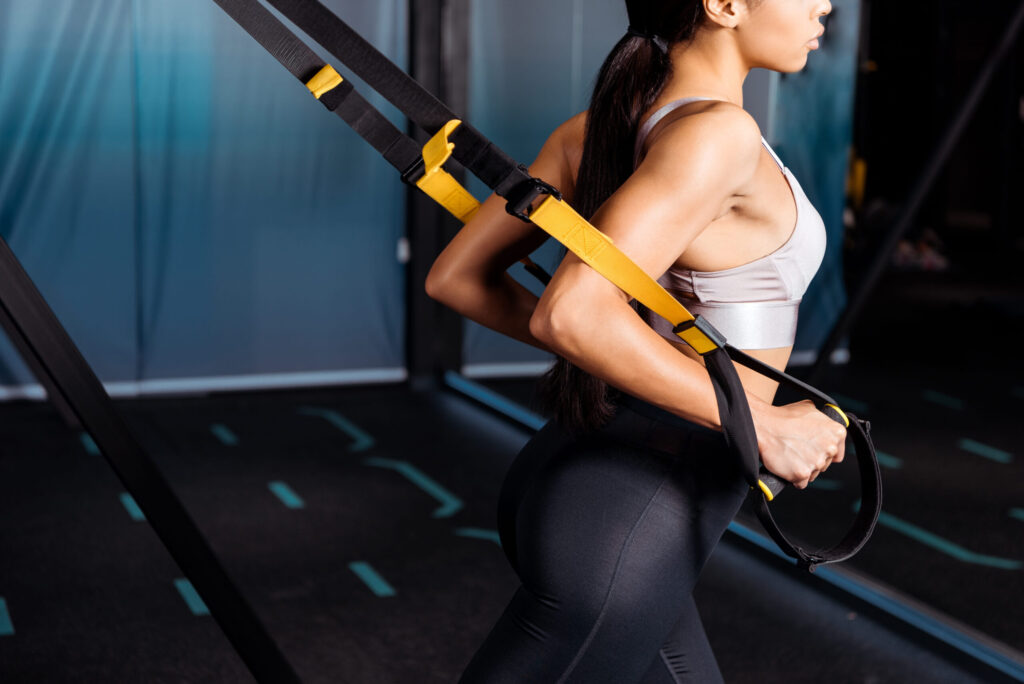
TRAINING EQUIPMENT
トレーニング設備
ボタンのフォント変更はcssで。
selector .wp-block-button__link{
font-family: 'M PLUS 1p', sans-serif !important;
font-weight: 400 !important;
}
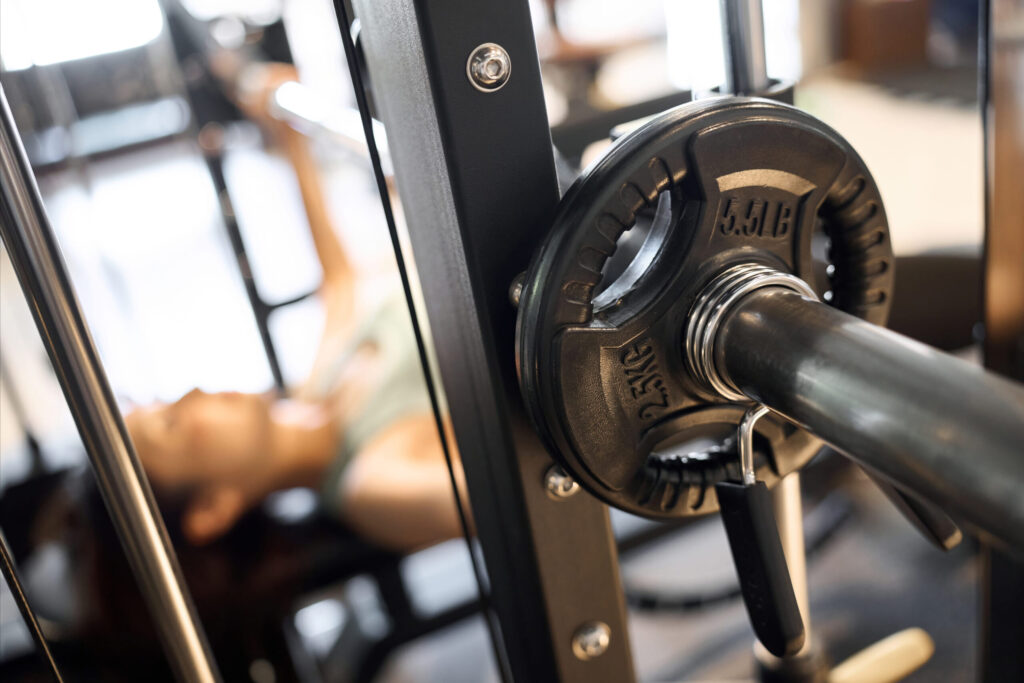
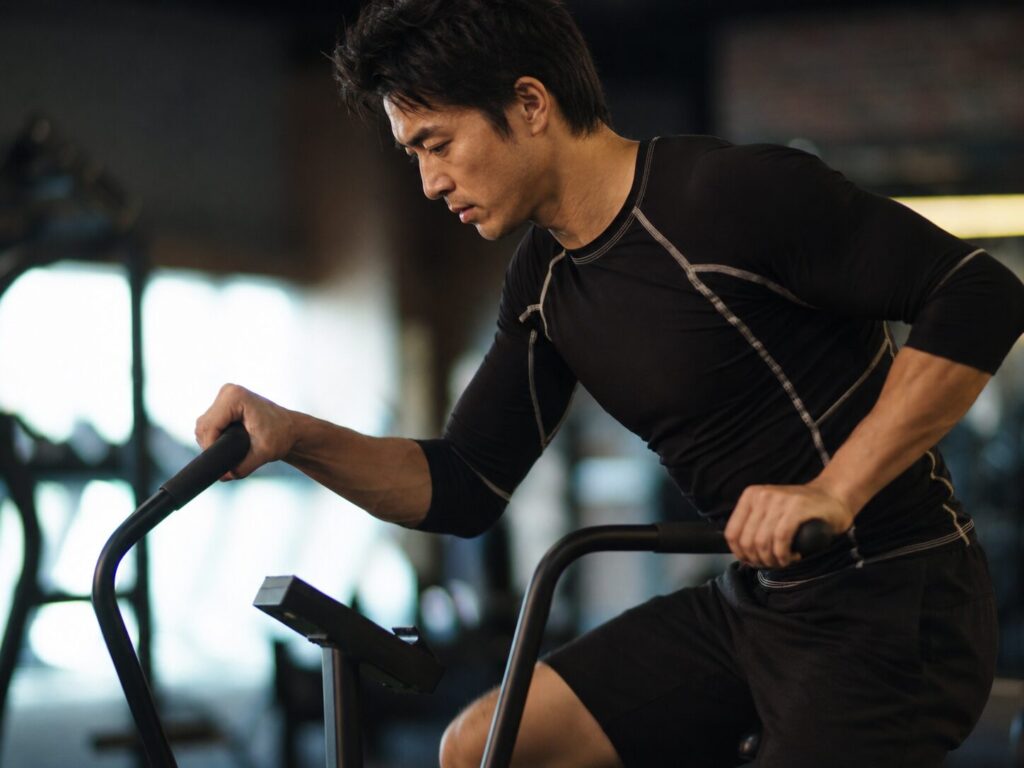
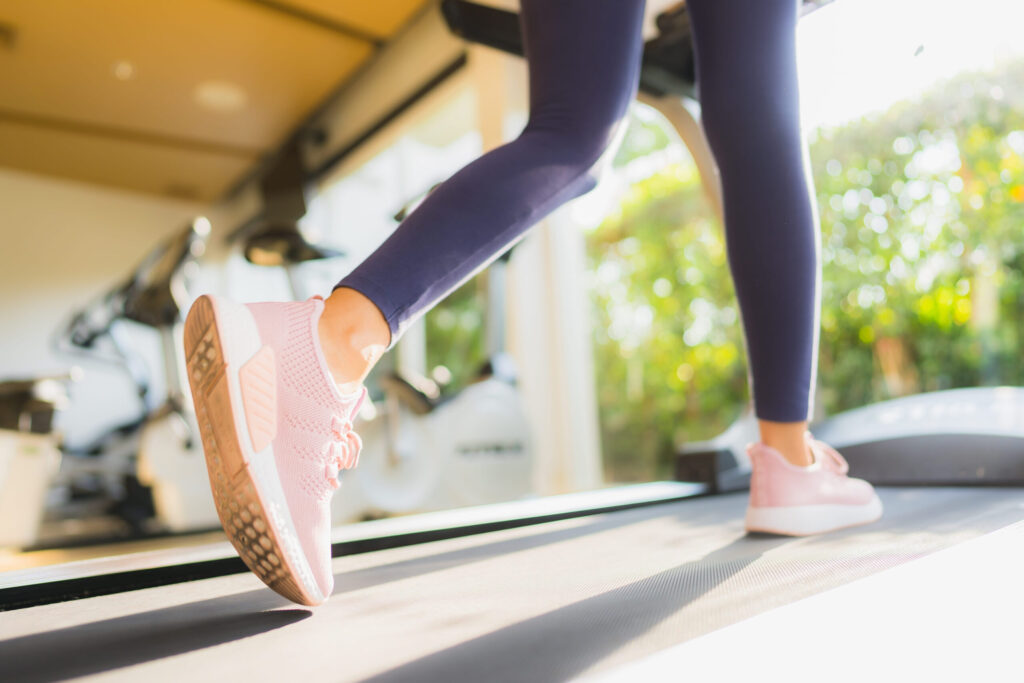
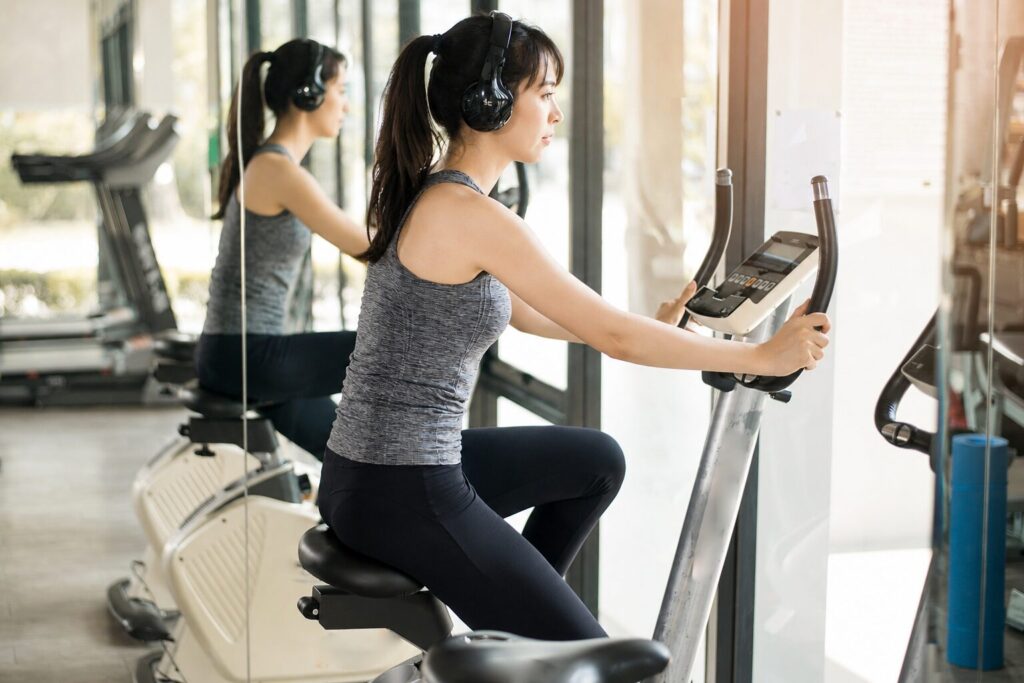
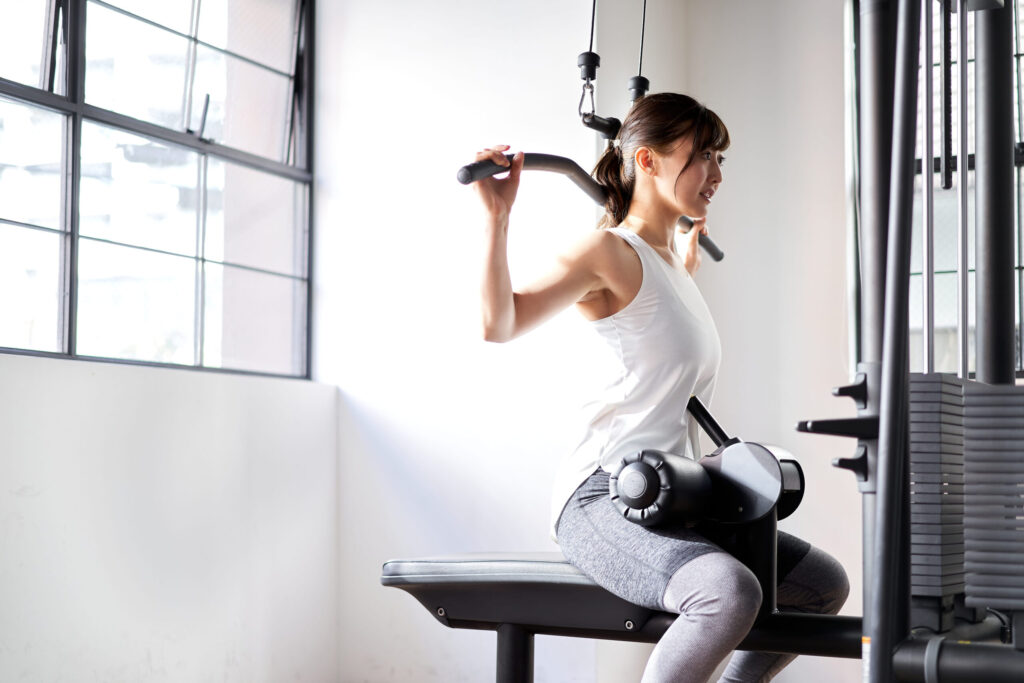

下のグループの段落に画像のタイトル名をつける。画像と同じ個数にすること
予約の流れ
reserve
1. お電話又はメールフォームでご連絡
2. 初回体験の日程調整
・目的やお悩みを簡単に確認
・持ち物や当日の流れをご案内
3. 初回体験・カウンセリングの実施
・軽いトレーニングを体験
・目標に合わせた通い方をご提案
※体験トレーニングは事前予約制です。
※無理な勧誘は行っておりませんので、まずはお気軽にご相談ください。
ボタンのフォント変更はcssで。
selector .wp-block-button__link{
font-family: 'M PLUS 1p', sans-serif !important;
font-weight: 400 !important;
}
・初回体験(事前予約制)では、カウンセリングと簡単なトレーニングをあわせて行います。
・当日は、動きやすい服装・室内用シューズ・タオル・お飲み物をご持参ください。
・ご予約の変更・キャンセルは前日までにご連絡ください。
・体験後に料金プランをご案内しますが、入会を強制するものではありません。
RESERVATION
予約の流れ
reserve
1. LINE又はメールでご連絡
2. 日時のご相談・確定
・日時の調整
・支払い方法のご案内
3. カウンセリングの実施
※オンライン・電話相談は事前決済、対面相談は当日のお支払いとなります。
・ご予約のキャンセルは前日までにご連絡をお願いいたします。
・当日キャンセルは、料金の100%を頂戴いたします。
・ご予約時間に遅れた場合、カウンセリング時間が短くなる場合がございます。
・お支払い後の返金は原則お受けしておりません。
PRICE 料金・コース
初めての方に
Trial Plan
体験プラン
¥5,000
1回60分
★まずはお試し
気軽にどうぞ
無理なく継続
Light Plan
月4回プラン
¥18,000
1回50分 / 月4回
★継続しやすい人気プラン
習慣化したい人におすすめ
しっかり通う
Standard Plan
月8回プラン
¥33,000
1回50分 / 月8回
★しっかり結果もついてくる
トータルサポート
ボタンのフォント変更はcssで。
selector .wp-block-button__link{
font-family: 'M PLUS 1p', sans-serif !important;
font-weight: 400 !important;
}
PRICE 料金・コース
下記料金表のスマホ読込後のフォントや色、構成について
/* ==============================
スマホ料金表:指定画像の形に寄せる
※ JSはそのまま
※ スマホだけ
============================== */
基本的には追加cssでフォントや色や、構成などは構築されている。個別で変えたいところがあれば下記名前のcssのところを変えると良い。ただし、price-enの項目はスマホ読込されるとprice-sp-enにかわるから、調整するときはspの名前を探すとよい。
なお、全体的にフォントを変えたいようなときには下記cssを下のカスタムcssにいれると全体がかわる。
@media screen and (max-width: 768px){
/* 全体のフォント */
.price-sp,
.price-sp *{
font-family: 'Libre Baskerville','Zen Kaku Gothic New', sans-serif !important;
}
}
もし4つなら下記案でやることも可能みたい
b3-free
├─ カバーA
│ ├─ pc-only
│ │ └─ PC料金表 4カード
│ └─ sp-only
│ └─ price-sp-page1
│
└─ カバーB
└─ sp-only
└─ price-sp-page2
ABOUT
鑑定のご案内
guidance
相性鑑定
表面では見えない相性や心のつながりを紐解き、より良い関係へと導くお手伝いいたします。
いつでもご相談ください。
40分 6,000円(税込)
オンライン鑑定
恋愛・仕事・人間関係など、どのようなお悩みでも、時間内であればご質問は何度でも可能です。
30分 3,000円(税込)

人生相談
西洋占星術で本来の流れや可能性を読み解き、タロットで今必要なメッセージをお伝えします。
60分 15,000円(税込)

全部必要ないときはカバーにstock-blockを。上と下のどちらかを使う場合は、不要な方にstock-block(pc-onlyは削除)
SERVICE
この読込型のスマホ表示で文字量によってガタっとならない、上寄せにする方法は追加cssに記載している
/* ==============================
ギャラリー型 b2/b4/b5
サービス型の高さ処理を移植
※文字量で中央基準に動くのを防ぐ土台
============================== */
↑UMI型 ↓マブロック型 それぞれやり方が違うみたいで追加cssに記載している。
/* ==============================
スマホだけ:sp-onlyカバー内の中身を上寄せにする
目的:
・WordPressカバーの初期状態では、中身が上下中央寄せになりやすい
・SERVICE-1など、内容量が変わるスマホ用カバーで
中身全体が中央基準で上下に動くのを防ぐ
・カバー自体の位置や高さは変えず、中身の並び位置だけを上寄せにする
============================== */
鑑定のご案内
guidance
相性鑑定
表面では見えない相性や心のつながりを紐解き、より良い関係へと導くお手伝いいたします。
いつでもご相談ください。
40分 6,000円(税込)
相性鑑定
表面では。
いつでもご相談ください。
40分 6,000円(税込)
相性鑑定
表面では見えない相性や心のつながりを紐解き、より良い関係へと導くお手伝いいたします。
いつでもご相談ください。
40分 6,000円(税込)
相性鑑定
表面では。
いつでもご相談ください。
40分 6,000円(税込)

相性鑑定
表面では
いつでもご相談ください。
40分 6,000円(税込)
SERVICE-1
鑑定のご案内
guidance
RESERVATION
料金/予約
民泊KAWASEは最大6名様までご宿泊いただけます。
ご利用人数をご確認のうえ、ご予約へお進みください。
空室確認
日程等の条件で検索確認
料金確認
日程・人数等より変動
予約
確認後、予約手続きへ
※外部予約ページへ移動します。
ABOUT
鑑定のご案内
guidance
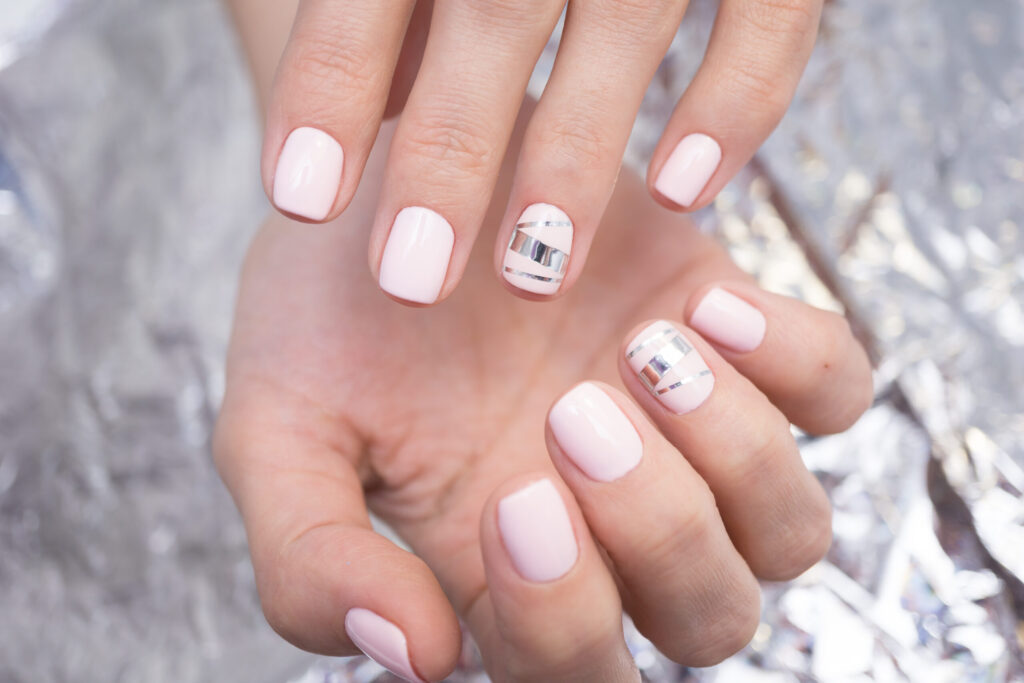
ワンカラーorグラデジェル・オフ込
新規料金:5,500円(税込)
リピーター料金:6,000円(税込)
フレンチネイル・オフ込
新規料金:8,000円(税込)
リピーター料金:9,000円(税込)
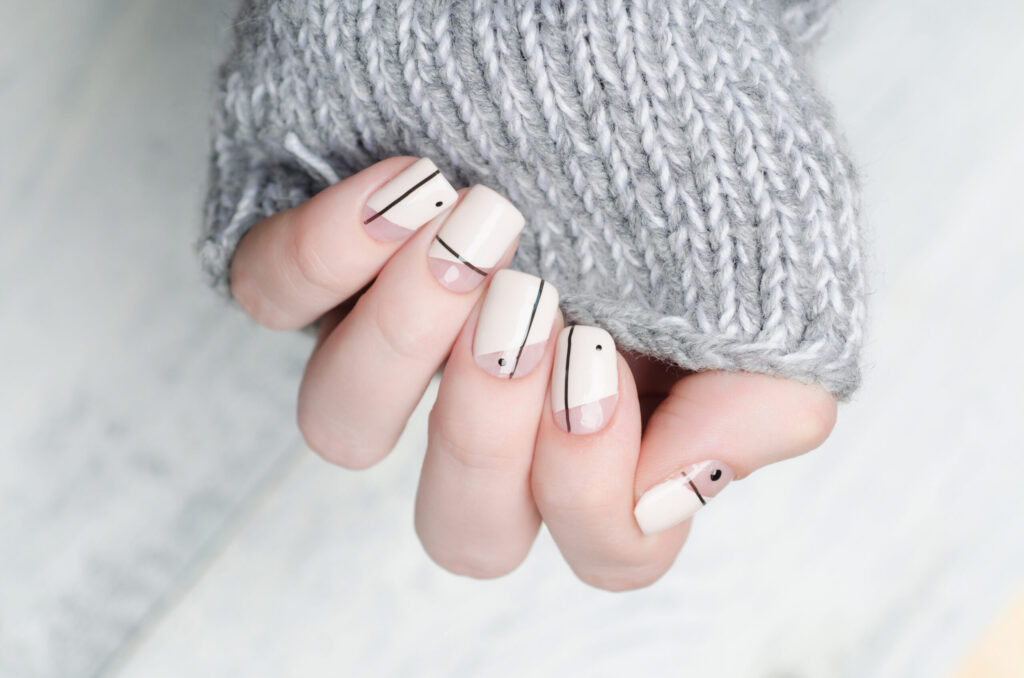
シンプルアート2本×ジェル・オフ込
新規料金:6,000円(税込)
リピーター料金:7,000円(税込)
ウェディングネイル
料金:12,000円(税込)
フットネイル(ワンカラー)
新規料金:5,500円(税込)
リピーター料金:6,000円(税込)
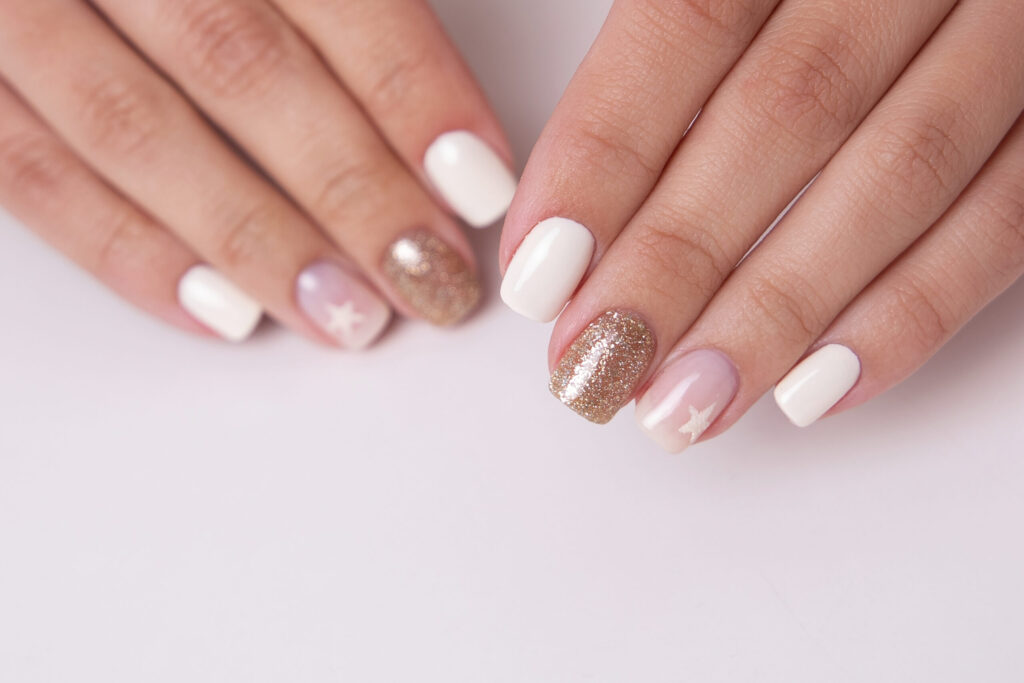
デザインアート込み
新規料金:9,000円(税込)
リピーター料金:13,000円(税込)
SERVICE-1
施術内容
guidance
不必要なカバーにはstock-blockをクラス名にいれること。
【スライド枚数を増減させる場合の注意点】
・スライドを増やせば、固定背景、左下のアンかーも同数増やす。左下アンカーは内容より順番が重要。
・追加スライドは b3 と b6 の間に入れる。b4 / b5 は普通スライド専用。
・b7は最後のCONTACT用なので最後に残す。
・bg5 / bg6 は bg4 の後ろではなく、流れとして bg4 の前に入る。
スライドを非表示にするには、stock-blockをクラス名にいれる。それとb4 or b5のクラス名を変更する → b5stockとか。
固定背景、アンカー確認!
ABOUT
商号
Workshop NSTM
代表
デザイナー 滝ノ上 森之助
所在地
愛媛県松山市竹原4丁目7番28号
グループリンクOPEN
10:00 - 16:00 月・火 店休
駐車場
店舗道向かいの駐車場 ⑪ ⑬ ⑮
お願い
ご来店の際は、お電話またはメールにて
ご予約をお願いいたします

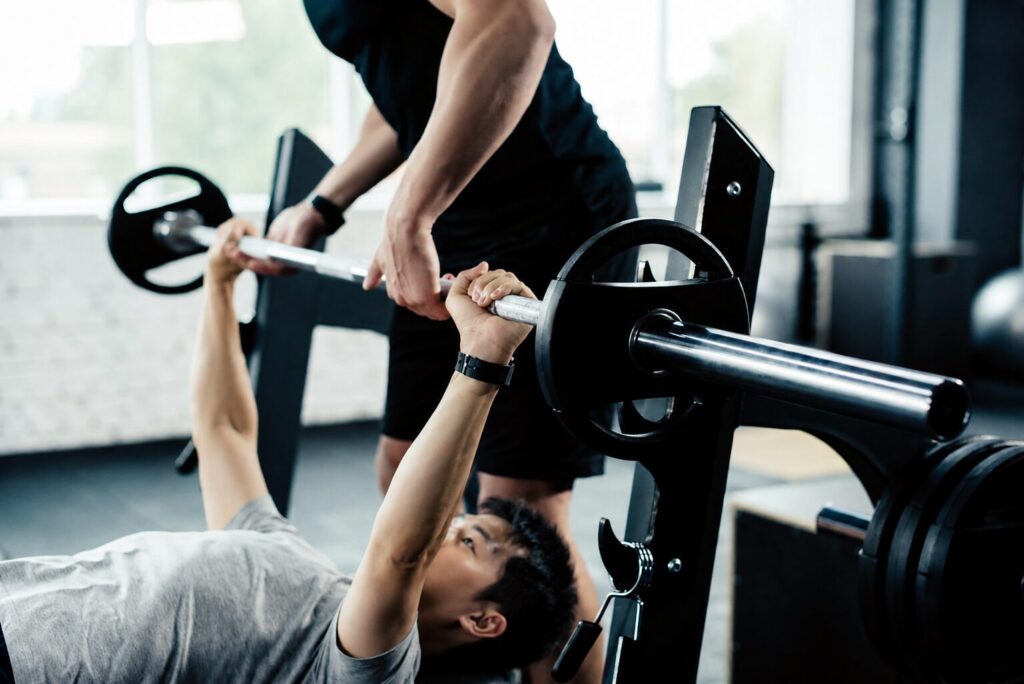
TRAINER トレーナー2名在籍
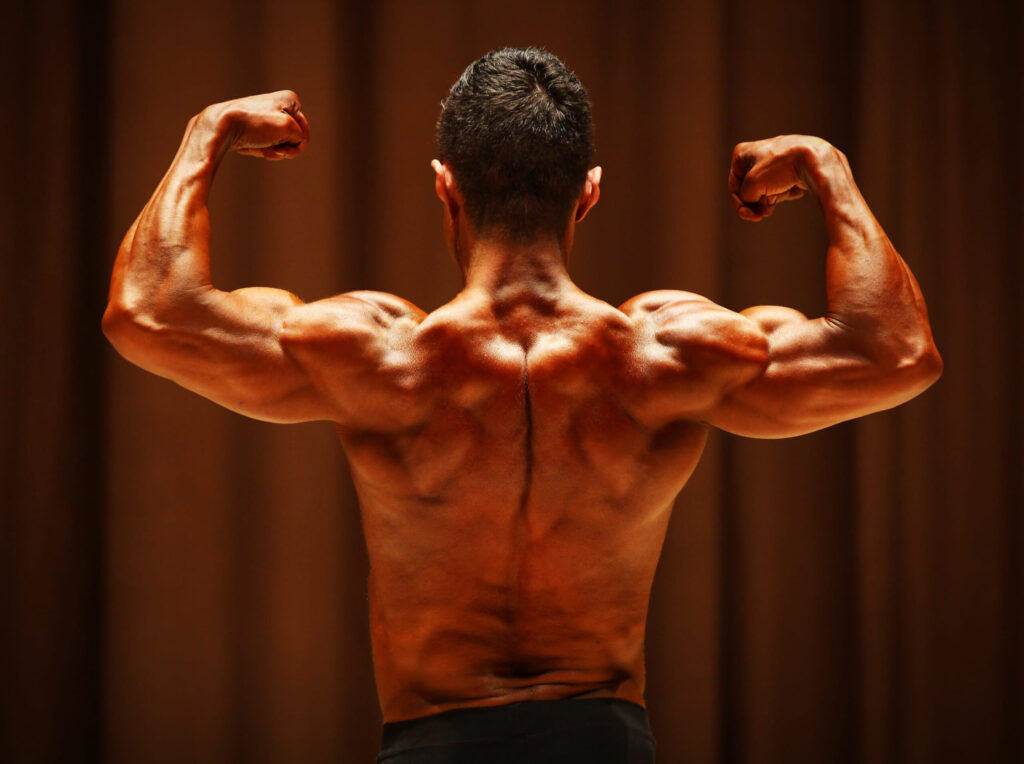
代表・トレーナー
マッスル・R・鷹峰
大手フィットネスクラブで年間1,200本以上のセッションを担当後、独立。
厳しく追い込むだけの指導ではなく、生活習慣・食事・姿勢のクセまで見て、続けられる形に落とし込むのが鷹峰流。
「ただ痩せる」ではなく、服を着たときに分かる体の変化を目指す。
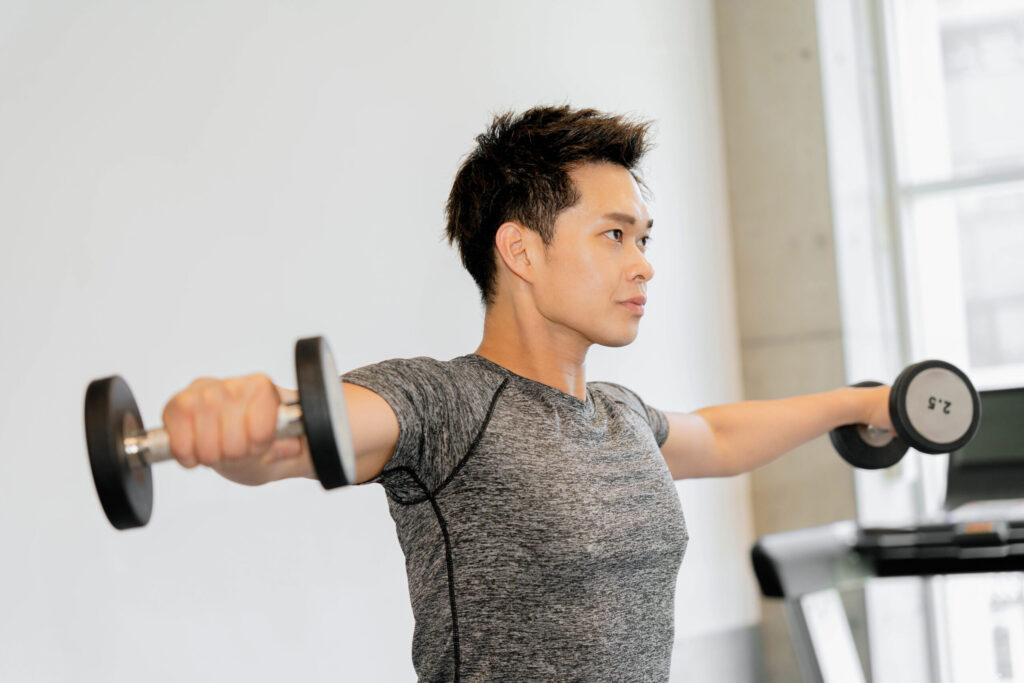
トレーナー
岩城 のぶお
得意なのは、体重だけを落とす指導ではなく、肩幅・背中・腰まわりの見え方を変えるボディメイクダイエット。
猫背や巻き肩で体型が崩れて見える人への姿勢改善メニューもお任せください。
TRAINER トレーナー2名在籍
【slider式プロフィール】スマホ読込後のフォントや色、構成・文章量について(重要) 増減対応可能
上記説明文が高さ枠を超えるとスクロールバー(疑似含む)が出る仕組み。高さの枠は.gym-prof-sp-textのmax-height: 250px !important;で調整する。
/* ==============================
スマホPROFILE:PC項目読み込みスライダー 完成版
PC側:
gym-prof-source
gym-prof-img
gym-prof-role
gym-prof-name
gym-prof-text
SP側:
gym-prof-slider
============================== */
基本的には追加cssでフォントや色や、構成などは構築されている。個別で変えたいところがあれば下記名前のcssのところを変えると良い。ただし、各項目はスマホ読込されるとspという文字が追加されるから、調整するときはsp入りの名前を探すとよい。
なお、全体的にフォントを変えたいようなときには下記cssを下のカスタムcssにいれると全体がかわる。
@media screen and (max-width: 768px){
/* 全体のフォント */
.price-sp,
.price-sp *{
font-family: 'Libre Baskerville','Zen Kaku Gothic New', sans-serif !important;
}
}
FACILITY 設備/アメニティ
左側の画像の方には右のカラムと同じサイズになるようカスタムcssにいれている
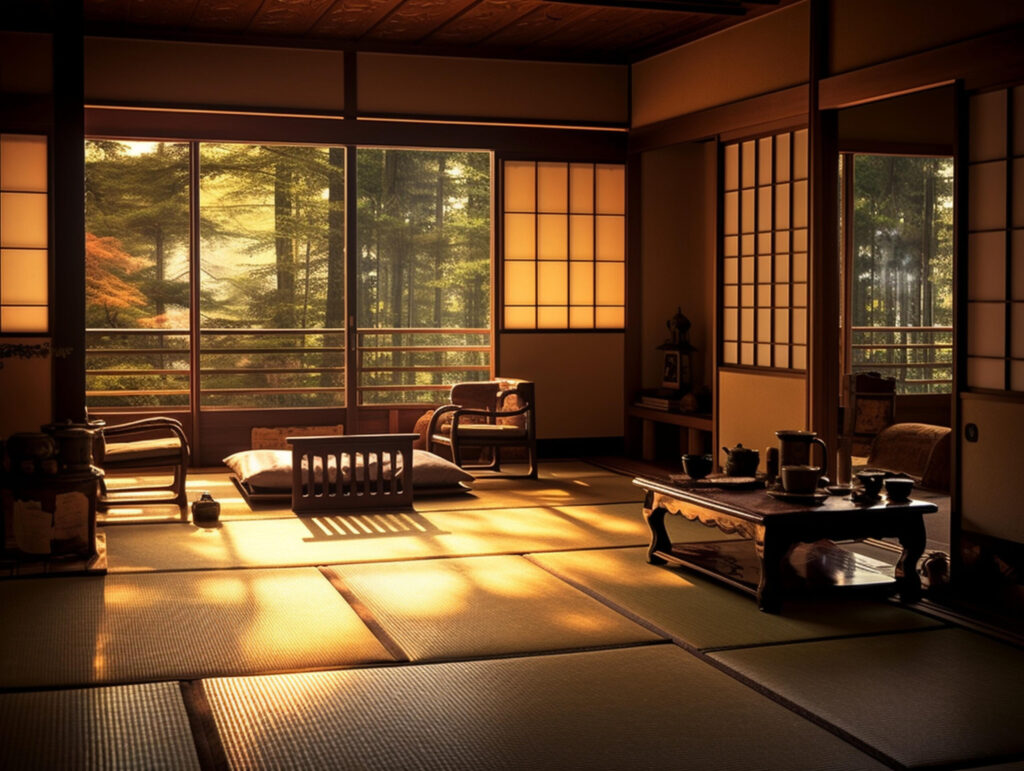
FACILITY
設備
キッチン(調理器具)
冷蔵庫・電子レンジ
エアコン・暖房
Wi-fi(無料)
バスルーム・洗濯機
シャンプー・ボディーソープ
ACCESS 交通情報
右側の画像(地図)の方には左のカラムと同じサイズになるようカスタムcssにいれている。また地図がカバーいっぱいになるようにカスタムcssを設定している。
ACCESS
アクセス
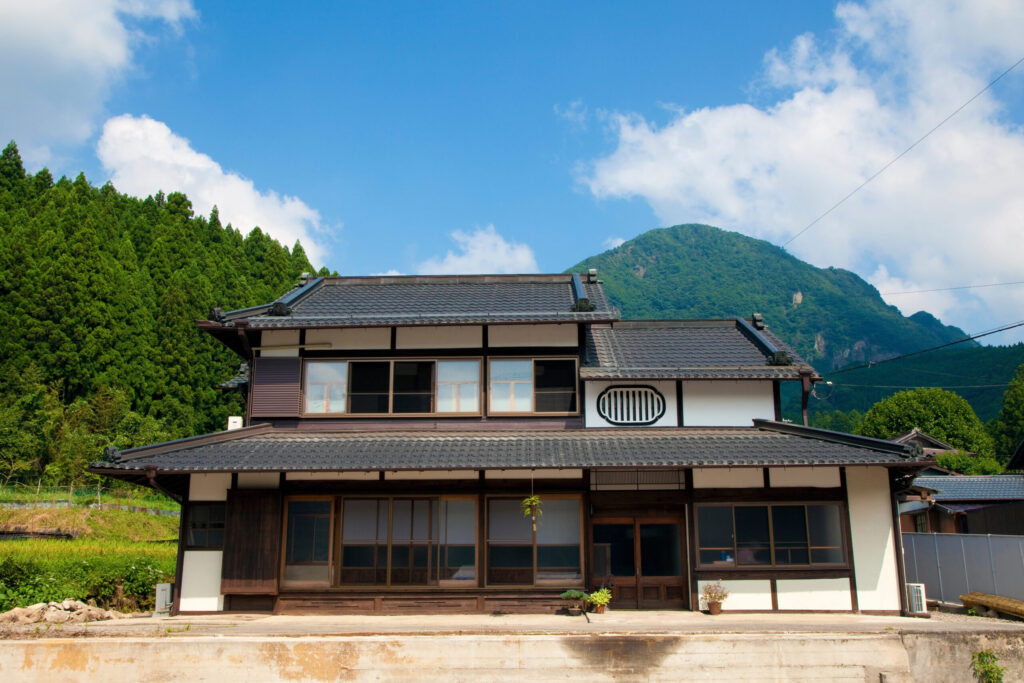
所在地
埼玉県●●市〇〇
お車
埼玉ICから約30分(駐車場6台あり)
最寄駅
埼玉鉄道「埼玉駅」から車で15分
空港
「埼玉空港」から車で45分
ABOUT
商号
ONLY PERSONAL GYM
代表
マッスル・R・鷹峰(高峰浩二)
所在地
栃木県〇〇市〇〇丁目〇
グループリンクOPEN
16:00 - 22:00(平日)
10:00 - 23:00(土日祝)
店休日
水曜日
お願い
ご来店の際は、お電話またはメールにて
ご予約をお願いいたします
CONTACT
お問合わせはこちらから
LINEでの問い合わせもOK
CONTACT
LINEでの問い合わせもOK
スライドを増やしたら、その場所に対応するリストも同じ位置に増やす必要がある。
b4・b5あり: TOP PROFILE SERVICE 追加ページ名1 追加ページ名2 ABOUT CONTACT
CONTACT以外の通常メニュー → 内容ではなく順番!リスト名は何でもよい。アンカー設定不要
TOP
続けられる理由
料金・コース
トレーナー
わたしたち
問い合わせ